Reset
Reboot the Router From the Web User Interface
If you perform a reboot from this page, the router will reboot and your configurations will not be changed back to the factory default settings.
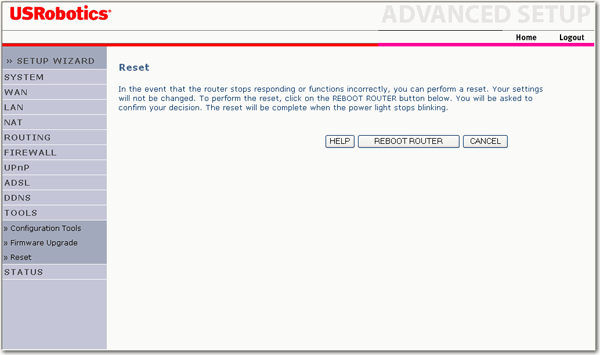
- Click REBOOT ROUTER to reboot the ADSL2+ Ethernet/USB Router.
- Click OK.
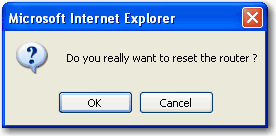
- An additional window appears. Click OK.

The router may disconnect and reconnect during the restore. A progress bar at the bottom of the web browser shows the progress.
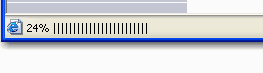
When complete, the WUI will return to the login page.
Reboot from the Router
You can also perform a reboot at any time using the Reset button located on the back of your router.
- Press in and hold the Reset button on the back of the router for 1 to 2 seconds to reboot the router.
Note: If you press in and hold the Reset button for 5 seconds or longer, the router will restore to the factory default settings.
Restore to Factory Default
To restore your router to the factory default settings, press in and hold the Reset button for 5 seconds.